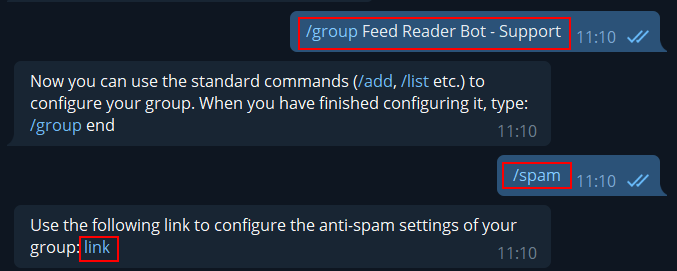
Open the anti-spam configuration webpage provided by the bot.
Send /spam for the selected group.Open the configuration webpage.
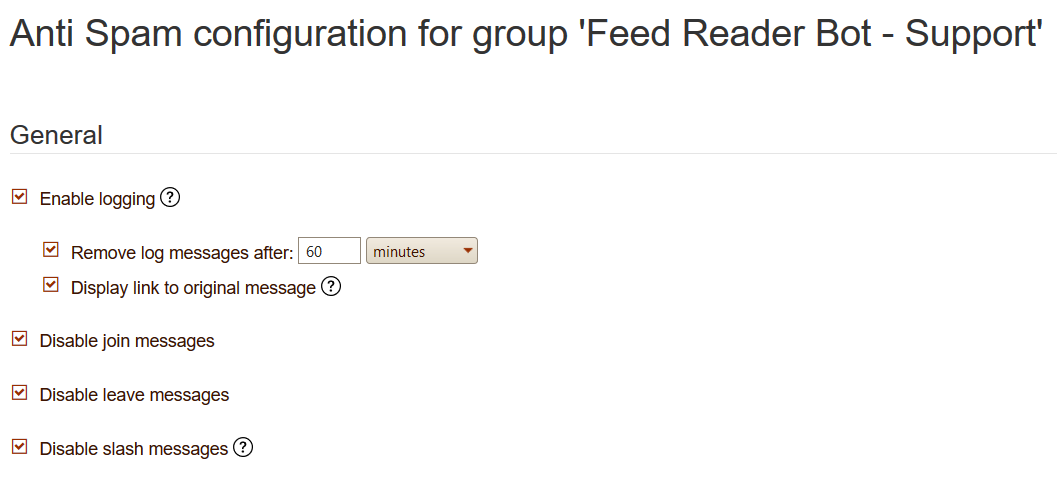
General configuration
Logging and join/leave messages
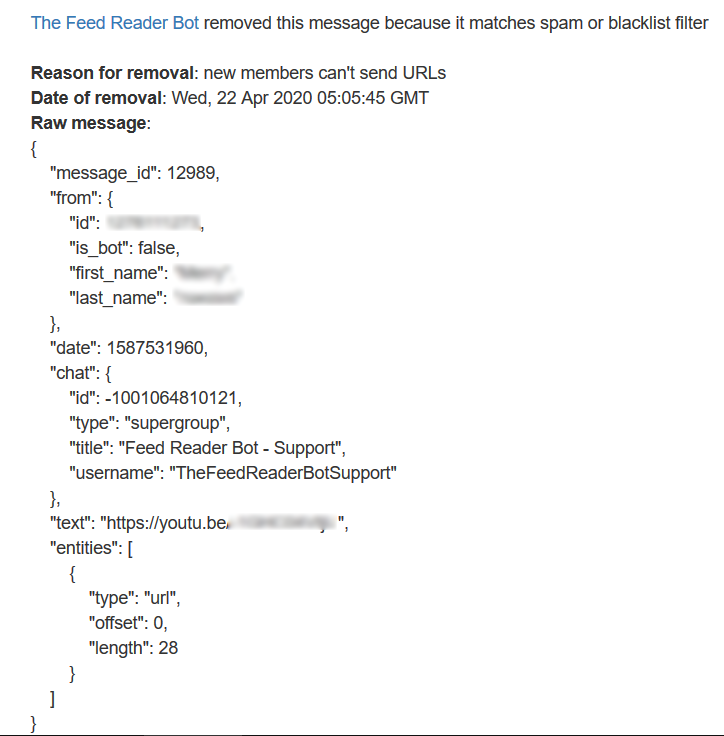
In the General section, you can enable logging. When logging is enabled, the bot sends a message when it removes a spam message.
Log messages can be automatically deleted after a specific period with Remove log messages after. The log message can also contain a link to the original message with Display link to original message.
The bot can also delete all join and leave messages with Disable join/leave messages.
Example log after spam removal.Original message log page.Example of a join message.
Restrict members
Limit what members can send
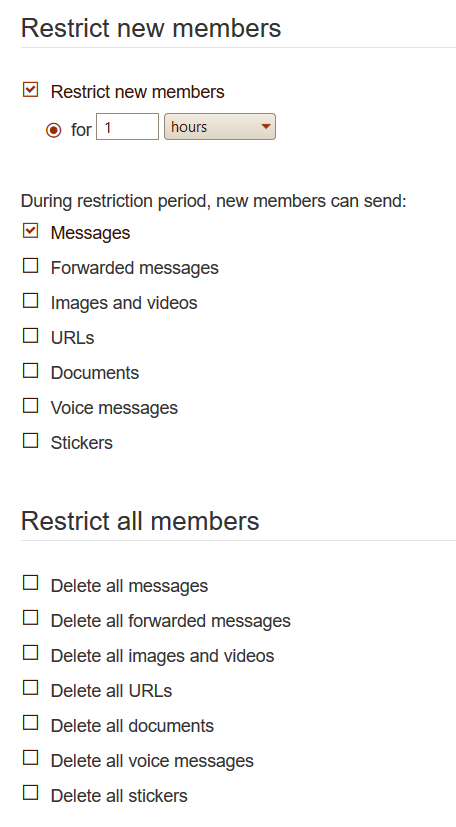
In these sections, you can restrict new members for a specific period of time, and/or restrict all members.
For new members, choose what they are allowed to send: text messages, images, and more.
For all members, choose what is prohibited in your group.
Restriction settings for new members and all members.
Blacklist
Block forbidden words or regular expressions
In this section, you can configure a blacklist of forbidden words. Put each word or regular expression on a different line.
bitcoin
#.+
With these rules, all messages containing bitcoin, or any hashtag beginning with #, will be removed.
Useful regular expressions
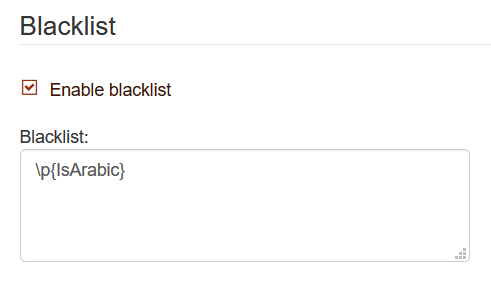
Remove Arabic characters: \p{IsArabic}
Remove Chinese characters: \p{IsCJKUnifiedIdeographs}
Allow only messages containing Latin characters: [^\u0000-\u024F]+