01
Chat with ChatGPT
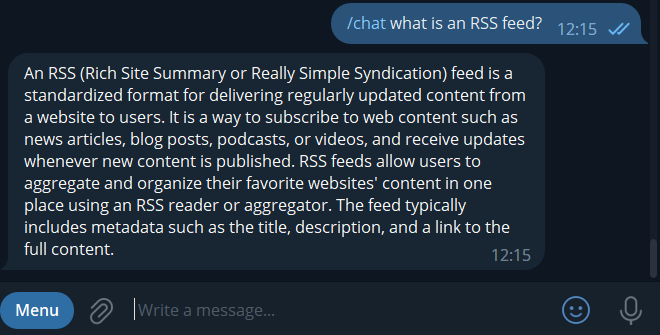
Use the /chat command followed by any request, and ChatGPT will answer you.
Chat with AI, summarize articles and videos, analyze messages, generate subtitles, and create feeds from complex websites with TinyFish AI.
AI calls consume daily tokens unless you configure your own ChatGPT API key.
These features are available for Elite subscribers only.
Use the /chat command followed by any request, and ChatGPT will answer you.
You can configure the Elite Feed Reader Bot to generate summaries of web articles and YouTube videos using ChatGPT.
/template command.%SUMMARY% variable.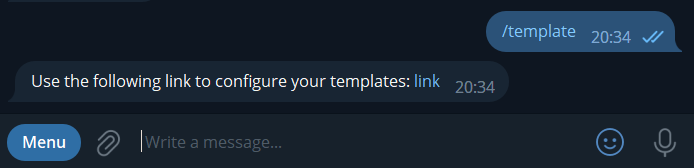
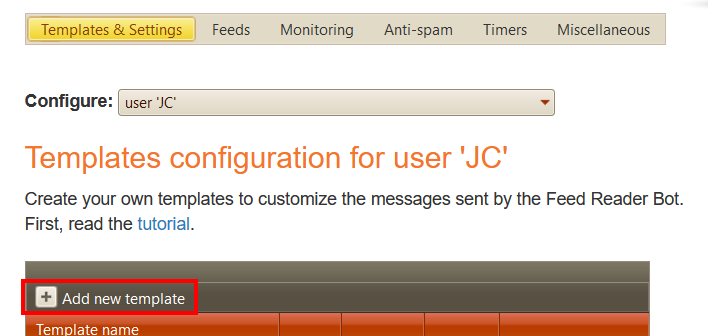
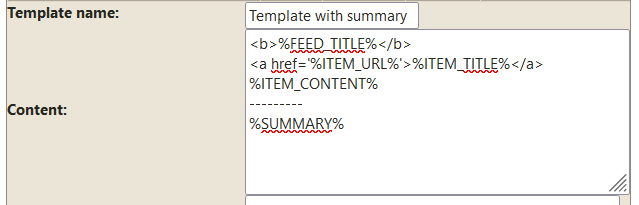
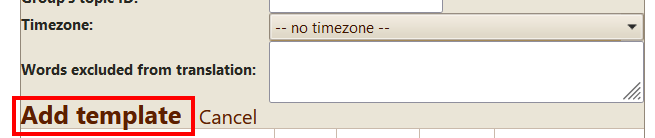
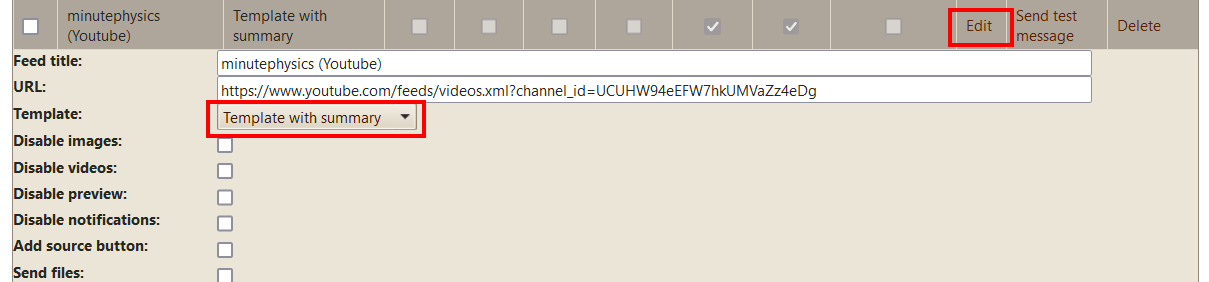
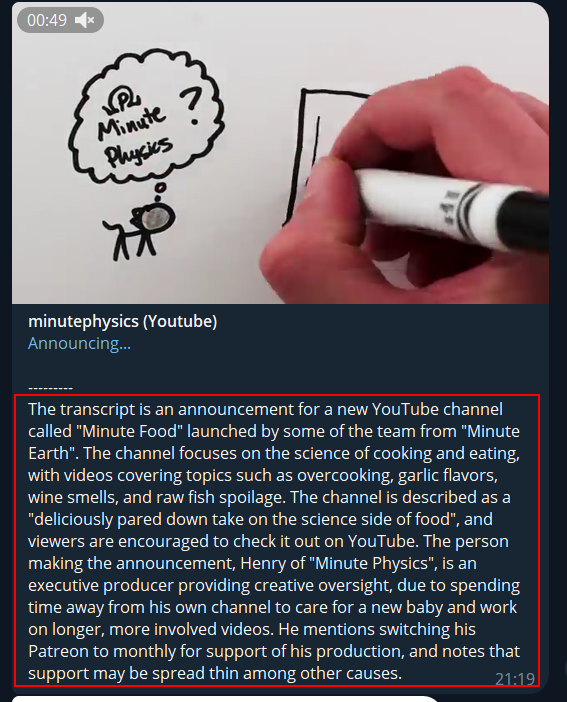
The template content can be copied from here:
<b>%FEED_TITLE%</b>
<a href='%ITEM_URL%'>%ITEM_TITLE%</a>
%ITEM_CONTENT%
---------
%SUMMARY%By default, the summary is generated in English.
You can specify another language using its two-letter code, for example %SUMMARY_ES% for Spanish or %SUMMARY_FR% for French. The full list of codes is available here.
Use the %SUMMARY% variable with parsimony. ChatGPT calls are limited, and when the bot reaches your daily limit, it stops generating summaries.
To view your daily usage, use the /chat_stats command.
To increase your limits at an additional cost, send a message to @jcmag.
If you want to display %ITEM_CONTENT% when the summary could not be generated because of an error or because the daily limit was reached, use %SUMMARY_CONTENT% or %SUMMARY_XX_CONTENT%.
If you are a ChatGPT API subscriber, you can use your own API key. Then the bot will not check any limits; be sure to set a usage limit in your ChatGPT account to avoid paying too much.
To set the API key, use the ChatGPT API key setting in the template settings.
To use your own API key with the /chat command, set your key in the Default template.
You can use the ChatGPT prompt setting in the template settings to customize the prompt sent to ChatGPT.
By default, the prompt used for YouTube videos is:
Summarize and translate in English this video's transcript:For all other feeds, the default prompt is:
Summarize in English this text:The bot automatically adds the video transcript or article content to this prompt.
You can configure the Elite Feed Reader Bot to generate summaries of messages posted during the last XX hours in a group or channel.
/template command._summarize_, or _summarize_topics_ if you want a summary for each topic in a group.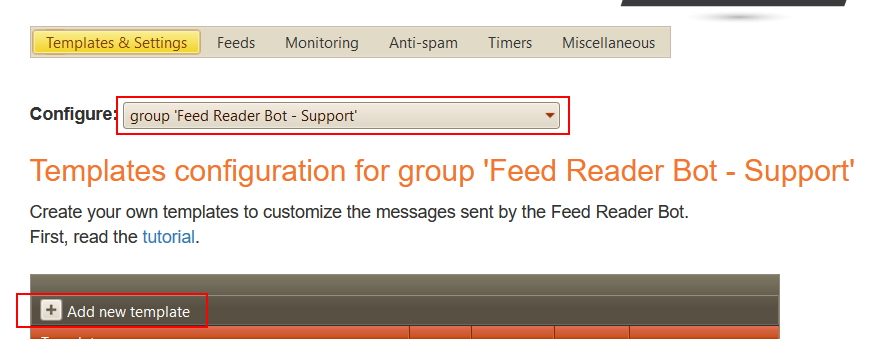
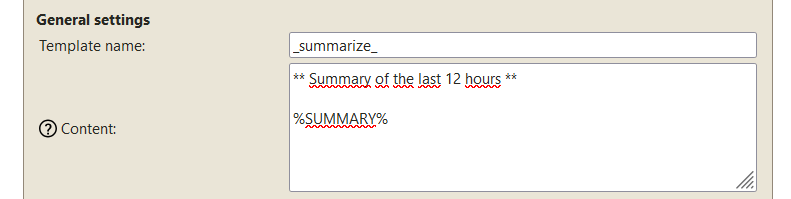

You can also use your own ChatGPT API key and model.
Place this anywhere in the template content:
%SEND_TO_CHAT-<channelIdentifier>%For example, use %SEND_TO_CHAT-100111111111% to send the summary to the channel with ID -100111111111.
_summarize_topics_.%SEND_TO_DEFAULT_TOPIC% anywhere in the template content.In the example below, summaries are generated only for topics with IDs 2 and 3.
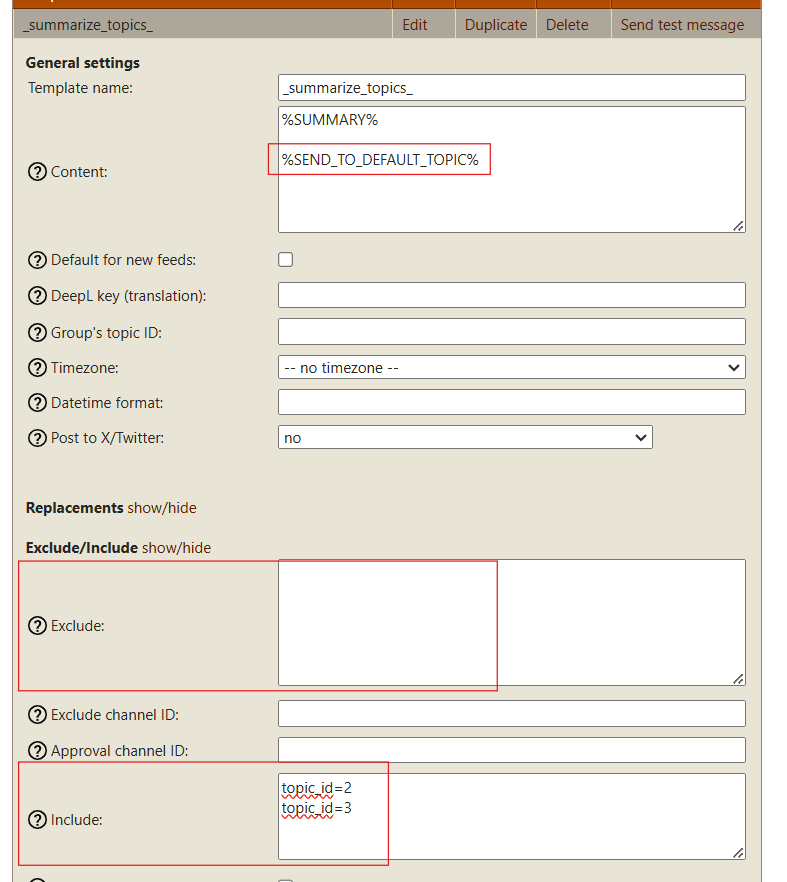
The bot can automatically generate subtitles for videos based on the audio. It uses ChatGPT, so it consumes tokens from your daily limit.
Edit the template used by the feed, then check Add subtitles to videos.
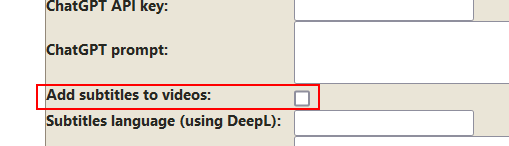
The subtitles can also be translated using DeepL. Type the language code in the Subtitles language (using DeepL) setting.
Follow the translation tutorial to create a free DeepL account and configure the DeepL API key.
The bot can analyze the messages it sends. It uses ChatGPT, so it consumes tokens from your daily limit.
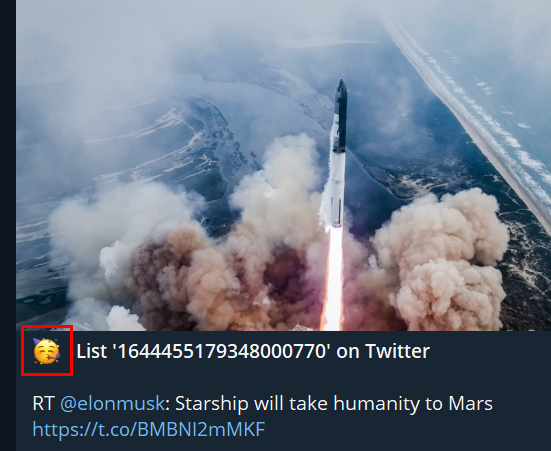
For example, you can ask ChatGPT to analyze the tone of a tweet. Enter the prompt in the ChatGPT analysis prompt setting of the template.
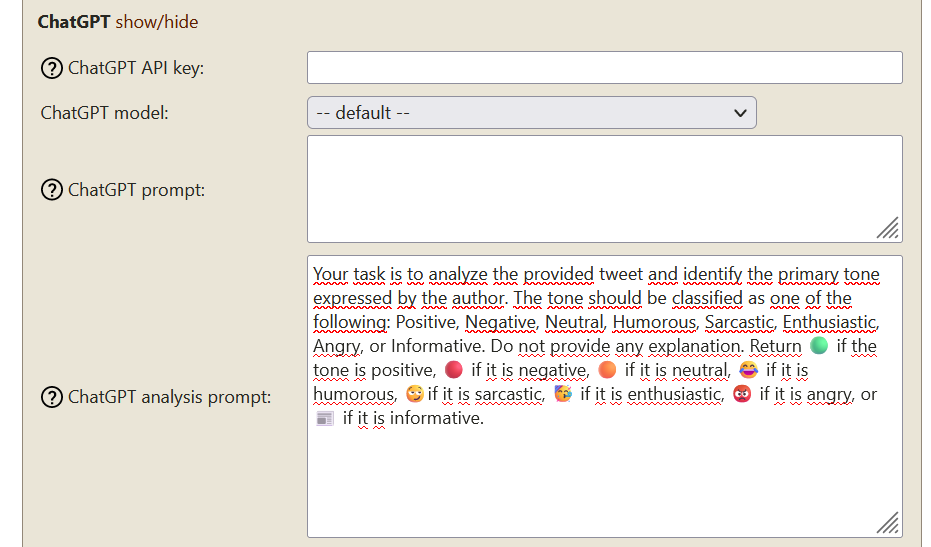
Prompt text if you want to copy/paste it:
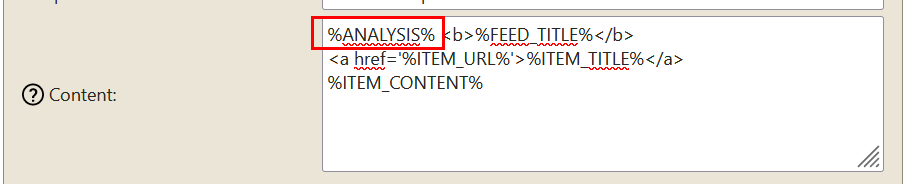
Your task is to analyze the provided tweet and identify the primary tone expressed by the author. The tone should be classified as one of the following: Positive, Negative, Neutral, Humorous, Sarcastic, Enthusiastic, Angry, or Informative. Do not provide any explanation. Return 🟢 if the tone is positive, 🔴 if it is negative, 🟠 if it is neutral, 😂 if it is humorous, 😏if it is sarcastic, 🥳 if it is enthusiastic, 😡 if it is angry, or 📰 if it is informative.Then put the %ANALYSIS% variable where you want to display the response from ChatGPT.
Use natural-language goals to automate workflows on real websites and generate RSS feeds for The Feed Reader Bot.
If you cannot get a feed with screenshot or XPath monitoring, or if you want to generate a feed from a website using Cloudflare bot protection or requiring authentication, you can try TinyFish AI.
It launches a browser and follows your prompt to generate a feed.
Return as JSON matching: {"title": "", "url": "", "description": "", "image_url": ""}Example prompt:
Extract the 5 latest news. Extract for each news: its title, URL, description and the URL of its image. If a cookie banner appears, close it first. Return as JSON matching: {"title": "", "url": "", "description": "", "image_url": ""}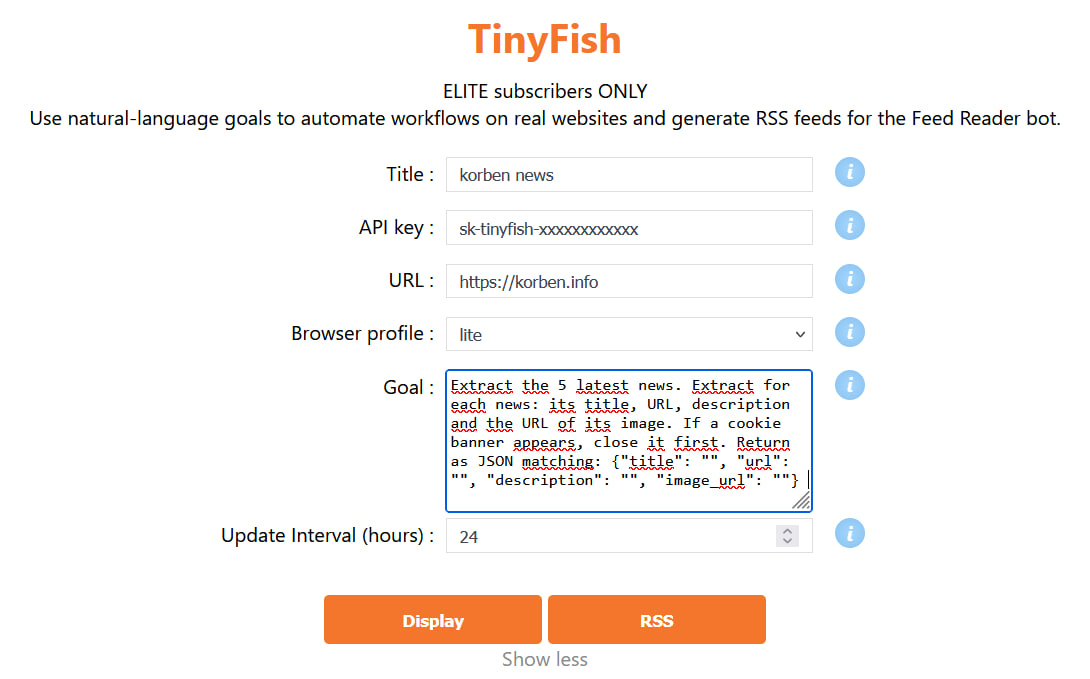
If you have any trouble configuring AI features, ask for help on the support group.