Find the RSS feed
Look for the RSS icon  on your favorite websites. If you find one, copy the feed link.
Learn what RSS feeds are, where to find them, and how to subscribe with The Feed Reader Bot.
What are RSS feeds and how to use them with the Feed Reader Bot?
RSS feeds are special files used to publish updated information. The bot monitors these files and sends you Telegram messages when new entries are available.
Look for the RSS icon on your favorite websites. If you find one, copy the feed link.
Use the /add command in The Feed Reader Bot and paste the RSS feed URL.
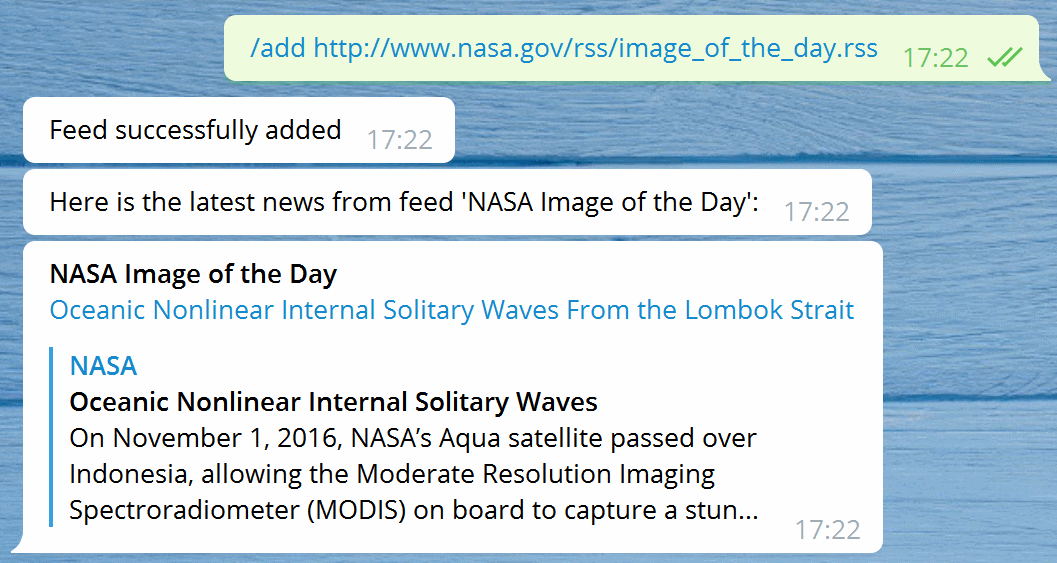
RSS feeds are refreshed every 6 hours, 30 minutes for premium accounts, and 10 minutes for elite accounts.
If new entries are available, the bot sends them to your Telegram account.
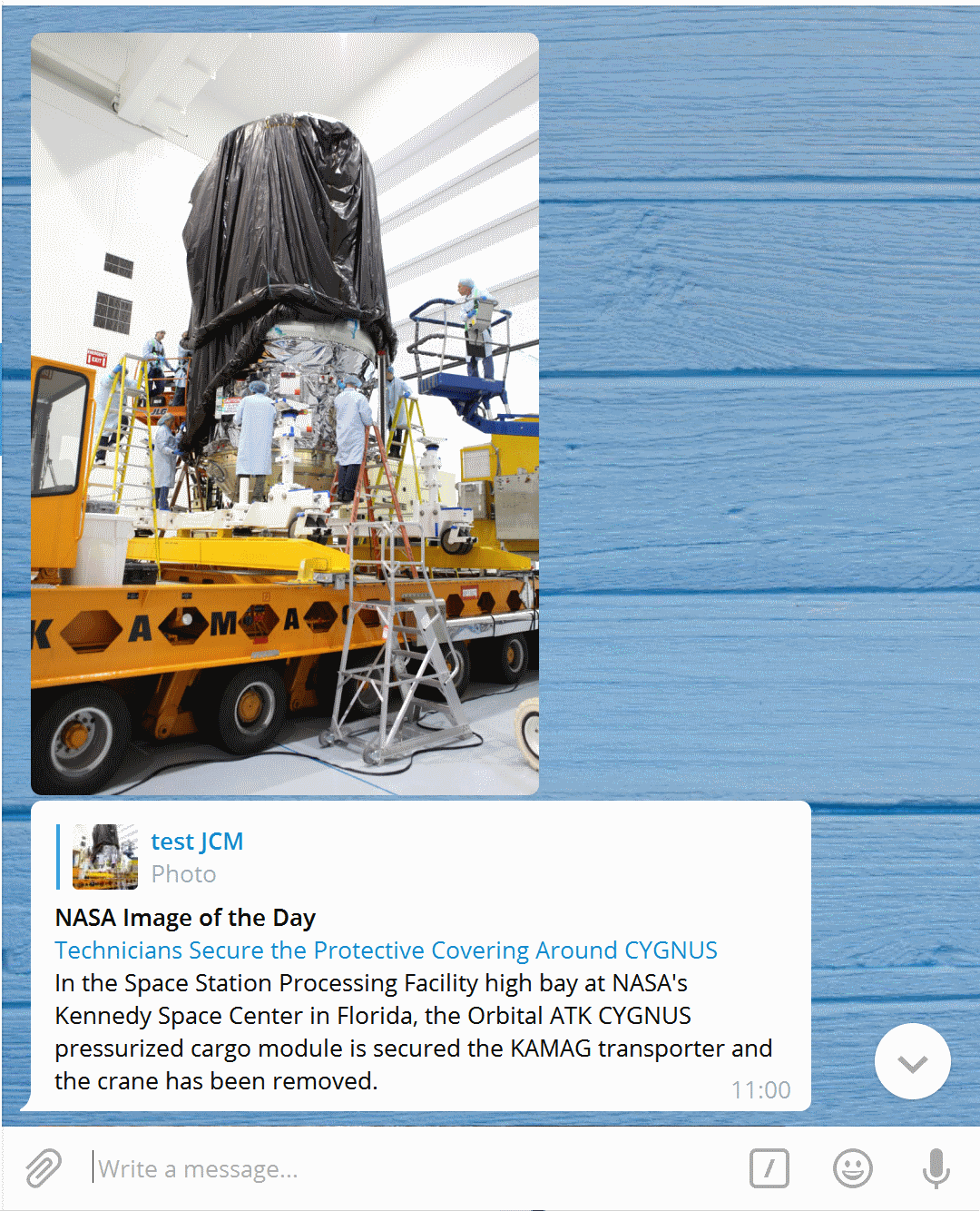
If you do not find any RSS feed, you can try to add the website URL. The bot is smart and can automatically find an RSS link.
The bridge website (http://bridge.thefeedreaderbot.com) can be used to generate RSS feeds for specific websites only.
For Premium and Elite users, a second bridge website is available: http://bridge2.thefeedreaderbot.com.
See the RSS Bridge tutorial for examples with the main bridge and bridge2.
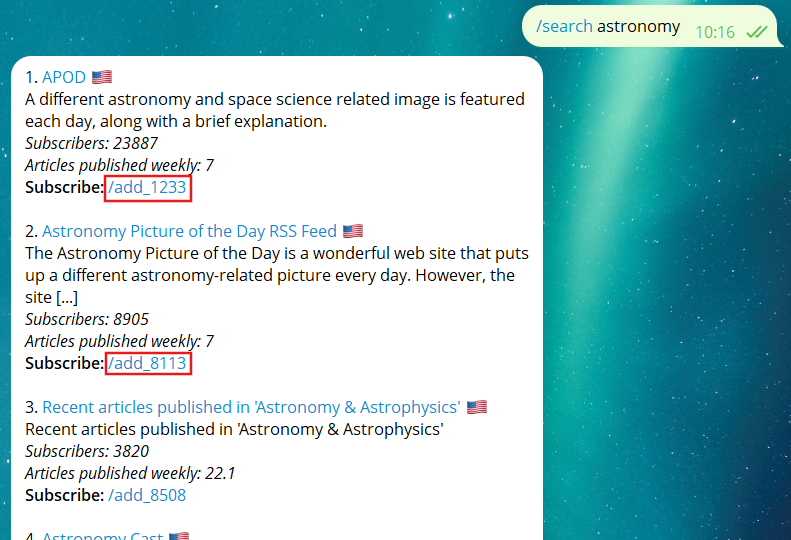
Open the RSS Bridge tutorial →You can also use the /search command directly in The Feed Reader Bot to discover feeds by topic or language.
When the bot returns matching feeds, simply click one of the /add_xxxx commands to add the feed.
/search cars
/search "french" voitures
If no RSS feed is available, Premium and Elite users can monitor a webpage directly with XPath monitoring or screenshot monitoring.
Elite users can also use AI-based monitoring with TinyFish.
AI can now help generate a feed for almost any website, even when the site does not publish RSS or Atom.
Open the AI feed generator guide →If you cannot generate a working feed, use /request_feed in The Feed Reader Bot and include the website URL. The URL will be reviewed to see if a feed can be generated, but there is no guaranteed response time.
As a last resort, you can request custom development for a specific feed by contacting @jcmag.
This usually costs around 25€, depending on the complexity of the website.